Audio Transcribe uses OpenAI's Whisper model for transcription and GPT-4 for translation, enabling automatic transcription and translation of video clips directly into subtitles in Sub Machine.
Now you can utilize OpenAI to transcribe the audio of your video clip with text and subtitles synchronized to the video, and optionally translate to the final language using OpenAI.
How to use Audio Transcribe:
Step 1: Select Audio Transcribe from the Tools menu.
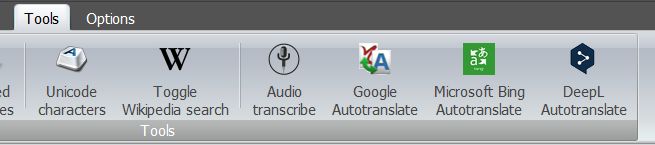
Step 2: The Audio Transcribe dialog opens. The current video clip is preselected and the start timecode will contain the first frame in cue. Everything else is in the default state.
Selecting a Video language is not necessary, but strongly encouraged in order to boost OpenAI's accuracy.
Select a final language in Translated language so that the program will translate every subtitle using OpenAI, or if nothing is selected then translation will be skipped.
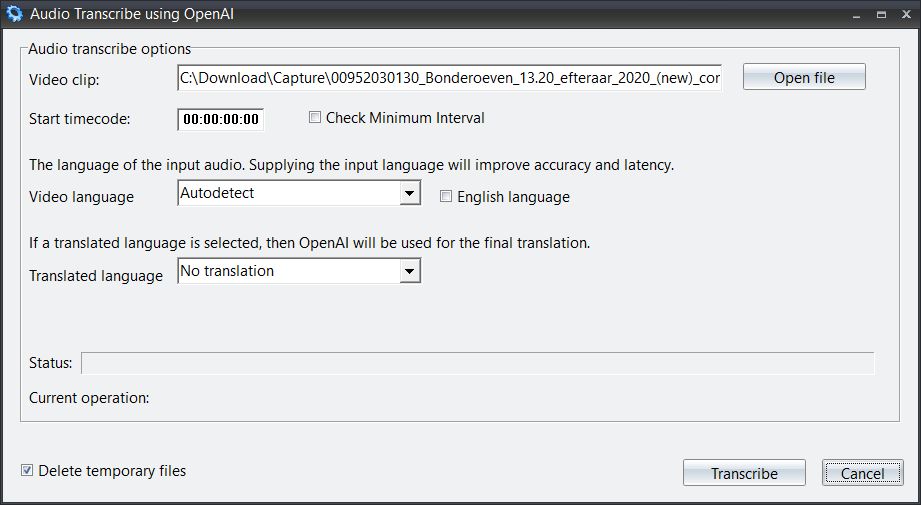
Audio Transcribe dialog – default state
Step 3: Select the Video language and optionally a Translated language, then click Transcribe to start.
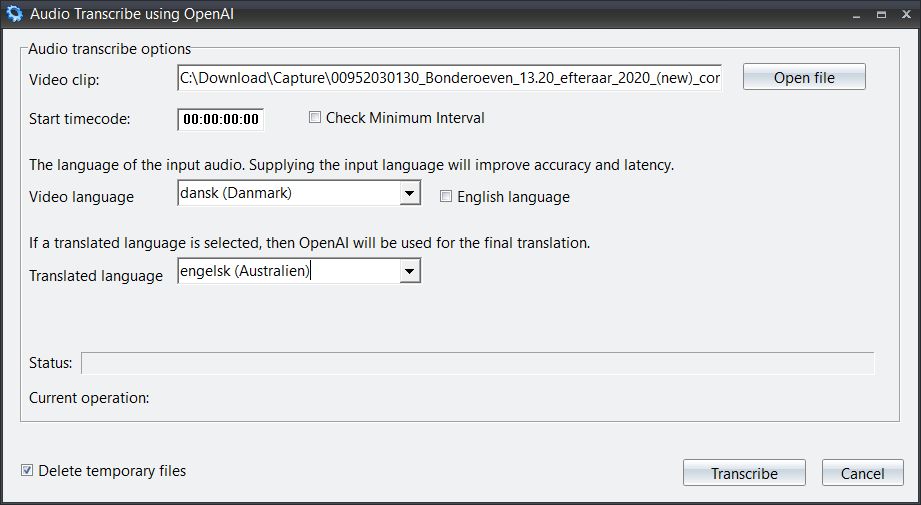
Audio Transcribe dialog – with Danish video language and English translation selected
The result: A complete set of timed subtitles transcribed from the audio track, and translated into the selected target language.
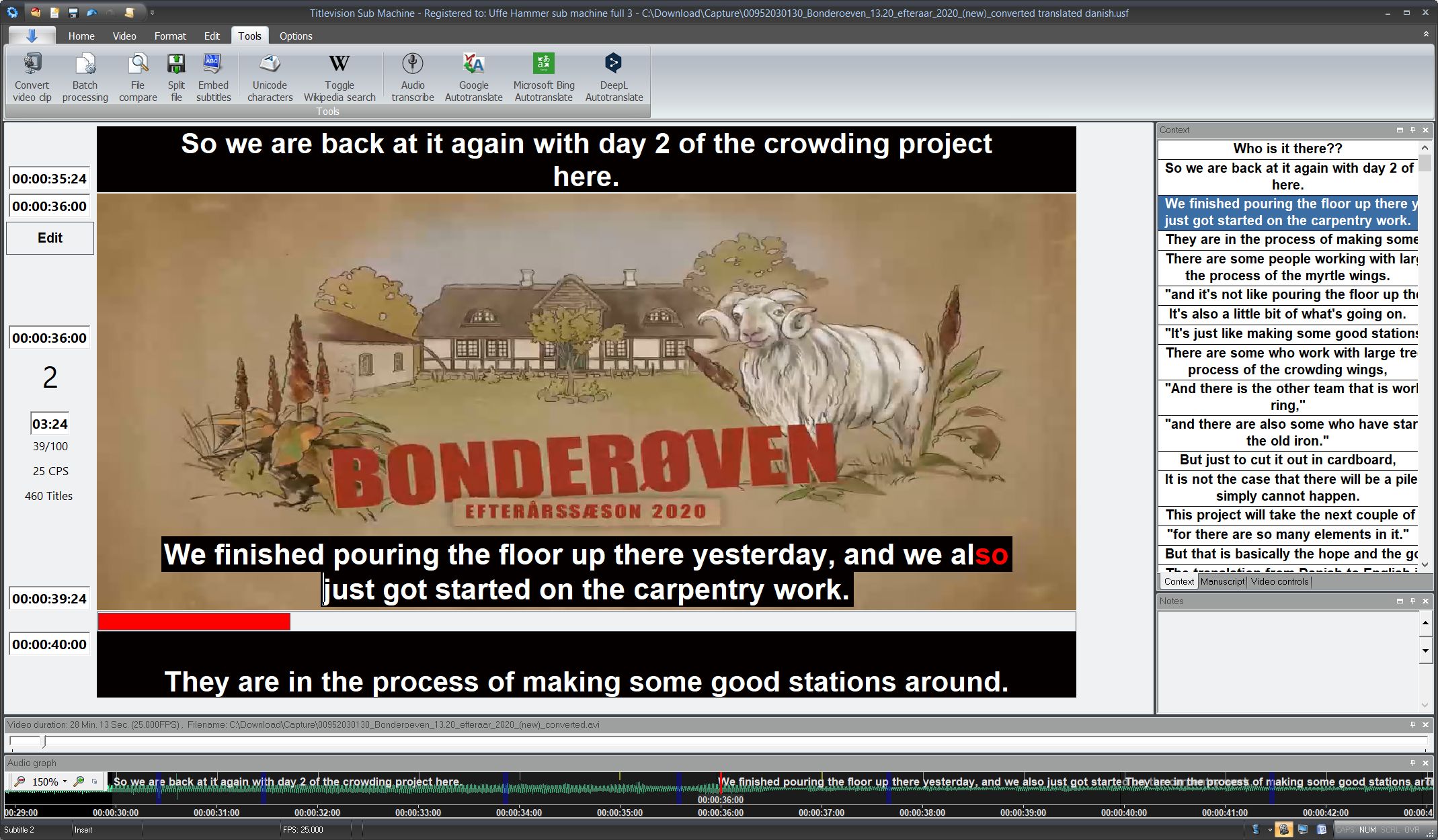
The final result – a fully transcribed and translated episode, from Danish audio to English subtitles
OpenAI API Key Setup:
Before using Audio Transcribe, you must register your OpenAI API Key in the preferences:
Go to Options > Setup > Preferences > Cloud Services > OpenAI and enter your API key.
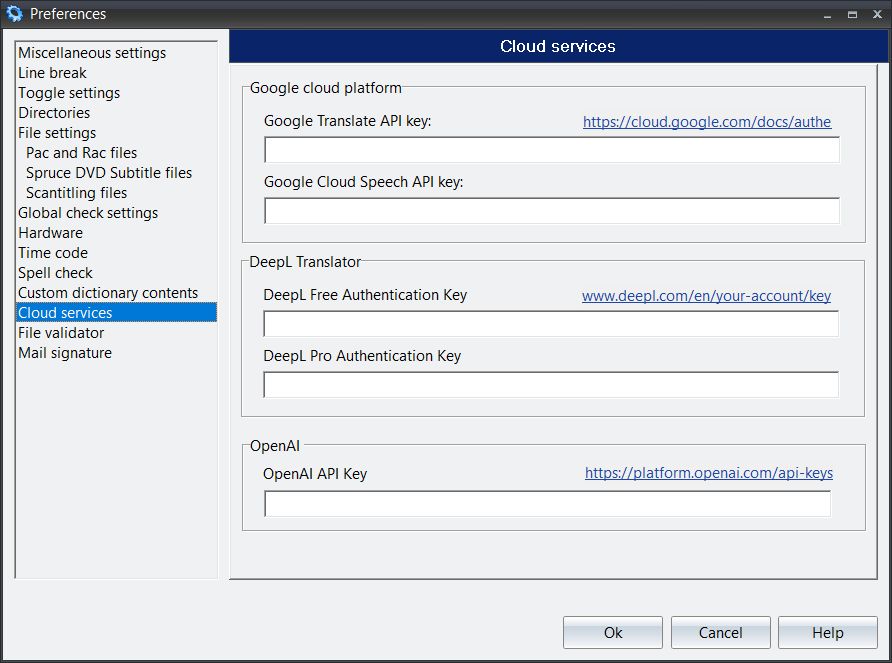
Register your OpenAI API Key in the Cloud Services preferences
You can obtain a personal API key by registering on OpenAI's service page at platform.openai.com. There you can also control the amount of money available for transcription and translation operations.
Supported features:
•Automatic speech-to-text transcription using OpenAI Whisper
•Automatic time code synchronization with video
•Optional translation to any target language using GPT-4
•Video language selection for improved accuracy
•Context-aware subtitle generation
See also: Cloud Services, Autotranslate